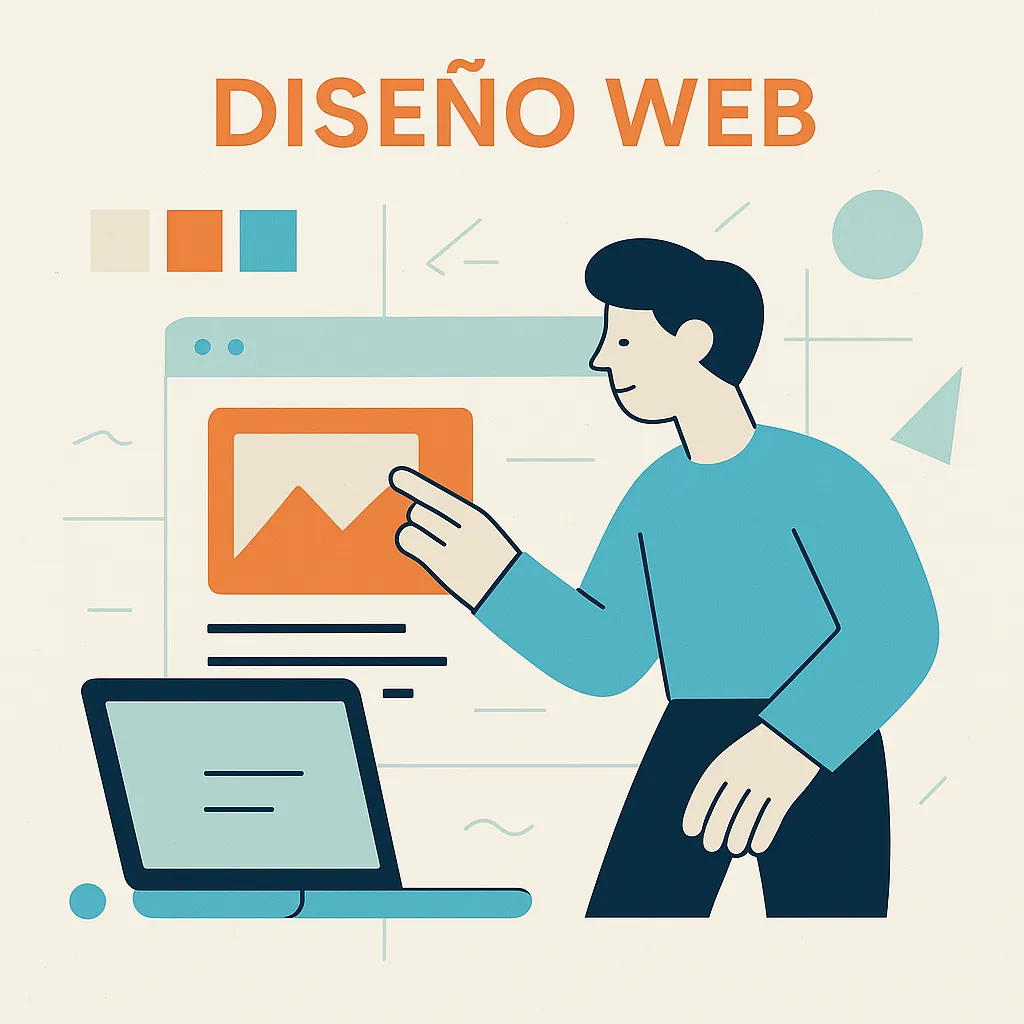
Web Design vs Web Development: The Difference
Understand the real difference between web design and web development. Learn when you need a designer, a developer, or both—and how to avoid paying for the wrong service.
Web Design vs Web Development: What’s the Difference?
These terms get used interchangeably, but they’re not the same thing. Understanding the difference can save you thousands of dollars and months of frustration.
Here’s the short version:
- Web Design = How it looks and feels (visual, user experience)
- Web Development = How it works (code, functionality, systems)
Now let’s break it down properly.
What is Web Design?
Web design focuses on the visual and experiential aspects of a website. A web designer answers questions like:
- What colors, fonts, and imagery represent the brand?
- How should the layout guide users through the page?
- Where should buttons be placed to maximize conversions?
- How does the site feel on mobile vs desktop?
- What makes users trust this site?
Web Design Deliverables
- Wireframes (layout blueprints)
- Visual mockups (how pages will look)
- Style guides (colors, typography, spacing)
- User interface (UI) designs
- User experience (UX) research and flows
- Responsive designs for different screen sizes
Tools Web Designers Use
- Figma
- Adobe XD
- Sketch
- Photoshop / Illustrator
- Canva (for simpler projects)
Skills of a Web Designer
- Visual design principles
- Color theory and typography
- User psychology
- Layout and composition
- Brand identity
- Prototyping
What is Web Development?
Web development focuses on building and programming the actual website. A web developer answers questions like:
- How do we turn this design into a working website?
- How will the contact form send emails?
- How do we connect the payment system?
- How do we make the site load in under 2 seconds?
- How do we make this secure?
Types of Web Development
Frontend Development (client-side)
- What users see and interact with
- HTML, CSS, JavaScript
- React, Vue, Astro, etc.
- Animations and interactions
Backend Development (server-side)
- Databases and data storage
- User authentication
- Payment processing
- APIs and integrations
- Server configuration
Full-Stack Development
- Both frontend and backend
- Complete end-to-end solutions
Tools Web Developers Use
- VS Code, Cursor (code editors)
- Git/GitHub (version control)
- React, Next.js, Astro (frameworks)
- Node.js, PHP, Python (backend)
- PostgreSQL, MySQL, MongoDB (databases)
- AWS, Vercel, Netlify (hosting)
Skills of a Web Developer
- Programming languages (JavaScript, PHP, Python)
- Database management
- API integration
- Performance optimization
- Security best practices
- Problem-solving and debugging
The Key Differences
| Aspect | Web Design | Web Development |
|---|---|---|
| Focus | How it looks | How it works |
| Output | Mockups, prototypes | Working code |
| Tools | Figma, Adobe XD | VS Code, Git |
| Skills | Visual, creative | Technical, logical |
| Thinks about | User experience | System architecture |
| Deliverable | Design files | Functional website |
When Do You Need a Designer?
You need a web designer when:
- You’re starting from scratch with no visual identity
- Your current site looks outdated or unprofessional
- Users are confused about where to click or what to do
- Your brand doesn’t translate well to digital
- You need to improve conversion rates through better UX
- You’re redesigning an existing site
Signs you have a design problem:
- High bounce rates (people leave quickly)
- Users say the site looks “old” or “confusing”
- Low trust signals (people don’t fill out forms)
- Site looks different from competitors in a bad way
When Do You Need a Developer?
You need a web developer when:
- You have designs but need them built
- You need custom functionality (booking system, calculators, integrations)
- Your site is slow and needs optimization
- You need to connect to external systems (CRM, payment, APIs)
- You’re building a web application, not just a website
- You need database-driven features (user accounts, product catalogs)
Signs you have a development problem:
- Site loads slowly (over 3 seconds)
- Forms don’t work or emails don’t send
- Integrations are broken
- Security vulnerabilities
- Site crashes under traffic
When Do You Need Both?
Most real projects need both design and development. The question is whether you hire:
- Separate specialists - A designer and a developer working together
- A full-service agency - One team that handles both
- A hybrid professional - Someone skilled in both (rare for complex projects)
Projects That Need Both
- New websites from scratch
- Complete redesigns
- E-commerce stores
- Web applications
- Sites with custom functionality
Projects That Might Need Only One
Design only:
- Rebranding an existing site (new look, same functionality)
- Creating mockups for an in-house dev team
- UX audit and recommendations
Development only:
- Building from existing designs
- Adding features to a working site
- Performance optimization
- Bug fixes and maintenance
The Handoff Problem
One of the biggest issues in web projects is the design-to-development handoff.
Common problems:
- Designer creates something that’s hard to build
- Developer changes the design to make coding easier
- Final site doesn’t match the approved mockups
- Responsive behavior wasn’t specified
- Animations and interactions get lost
How Good Teams Solve This
- Designers understand development constraints - They know what’s easy vs hard to build
- Developers respect design decisions - They don’t cut corners on visual details
- Clear documentation - Spacing, colors, breakpoints are all specified
- Collaboration throughout - Not a handoff, but ongoing communication
- Design systems - Reusable components that work in both design and code
At Codebrand, our designers and developers work together from day one. Designers understand code limitations; developers respect design intent. The result: what you approve is what you get.
Cost Comparison
| Service | Freelancer | Agency |
|---|---|---|
| Design only | $500-$3,000 | $2,000-$10,000 |
| Development only | $1,000-$5,000 | $3,000-$15,000 |
| Design + Development | $2,000-$8,000 | $5,000-$25,000 |
Note: These are ranges for typical small-to-medium business projects. Complex applications cost more.
Common Mistakes to Avoid
Mistake 1: Hiring a Designer When You Need a Developer
You have a beautiful Figma file but no one to build it. Or worse, you hire a “designer” who uses Wix, and you’re stuck with a template.
Mistake 2: Hiring a Developer When You Need a Designer
The site works perfectly but looks like it was built in 2010. No amount of good code fixes bad design.
Mistake 3: Thinking “Web Design” Means the Whole Thing
Many people say “I need web design” when they mean “I need a website.” Be specific about what you need.
Mistake 4: Skipping Design to Save Money
Going straight to development without design planning leads to endless revisions, scope creep, and a final product no one loves.
Mistake 5: Ignoring UX
A site can look beautiful and be built perfectly but still fail because users can’t figure out how to use it. UX research should inform both design and development.
How to Choose the Right Help
If you’re not sure what you need:
- Describe your problem, not your solution - “Users aren’t converting” vs “I need a new homepage”
- Show what you have - Current site, brand guidelines, competitor examples
- Explain your goals - More leads? More sales? Better credibility?
A good agency or freelancer will tell you what you actually need.
Questions to ask:
- Do you handle both design and development?
- Who specifically will work on my project?
- Can you show me examples of both design and finished sites?
- How do you handle the design-to-development handoff?
- What happens if the final site doesn’t match the design?
The Bottom Line
Web design and web development are different skills that work together to create effective websites.
- Design without development = Pretty pictures that don’t work
- Development without design = Functional sites that don’t convert
- Both together = Websites that look great AND perform
Most projects need both. The key is finding a team where designers and developers collaborate—not just hand off files and hope for the best.
Need Help With Your Website?
At Codebrand, we handle both design and development in-house. Our team includes:
- UX/UI designers with 8+ years of experience
- Full-stack developers who understand design intent
- A collaborative process where both work together
Whether you need a complete website, just design, or just development—we can help.
Schedule a free consultation to discuss your project and get clear recommendations on what you actually need.
Related Articles

Why Cheap AI Websites Don't Sell — and What Actually Does in 2026
They promise your website 'built by AI in a day' for $99. Here's why those sites don't generate sales or trust, why 'done in a day' is a red flag, and what a website that actually works takes to build.

Codebrand vs Freelancers vs Agencies Comparison
Trying to decide between a freelancer, a big agency, or a boutique agency like Codebrand? Here's an honest breakdown of pros, cons, and when each option makes sense.
Cómo Crear una Página Web para tu Empresa en Honduras: Guía Completa 2026
Descubre cómo las empresas en Honduras pueden crear páginas web efectivas: opciones, procesos, beneficios y por qué Codebrand es el socio ideal para tu proyecto digital.

Cómo Desarrollar una Página Web 2026: Guía Completa para Principiantes y Profesionales
Aprende a desarrollar una página web desde cero: elementos esenciales, número recomendado de secciones, plataformas ideales y cómo Codebrand puede ayudarte a crear un sitio web profesional que impulse tu negocio.
Do you want to read more articles?
Visit our blog to explore more content on web development, design, and digital marketing.