
MCP Server Development to Connect AI to Your Business
Codebrand is a software development company in San Pedro Sula, Honduras, that sets up and builds MCP servers for US businesses: the connectors that let AI assistants read and act on your CRM, databases, documents and internal APIs, with access limited to what each task needs. MCP projects are quoted by scope at a fixed price. Tell us which tools to connect: first reply within 4 business hours, fixed-price proposal within 24 business hours.
- Setup of existing MCP servers and custom ones
- Access scoped to the task, with write actions confirmed
- Connected to the tools you already run
- Code ownership after the final payment
MCP
Model Context Protocol
Fixed
Price per scope
CST
US Timezone
4 h
First reply, business hours
What MCP is
One standard way for AI assistants to reach your systems
The Model Context Protocol (MCP) is an open standard for connecting AI assistants to outside tools and data. An application that supports it, such as a chat assistant, a coding assistant or an agent, acts as the client. An MCP server sits next to one of your systems and tells the assistant what it can do there: which tools it can call, which data it can read and which prompts it can use. One server can then be used by any assistant that speaks the protocol, instead of building a separate integration for each one.
MCP server development is building or configuring those servers for your business. For a common tool, a ready-made server may already exist and the job is to set it up safely: credentials, permissions and which actions are allowed. For your own database, internal API or line-of-business system, the server has to be written: deciding which operations to expose, validating every input, limiting what each user can reach and logging what the assistant does.
Codebrand sets up and builds MCP servers as a software development company, in the same languages we already use for custom software: TypeScript with Node.js, or Python. MCP is the connection layer. If you want an assistant or an AI feature built on top of it, that is AI development; if the goal is to automate a repetitive workflow end to end, see AI automation; and if the data must stay on your own servers, a small language model can be the client.
What we build
What our MCP work covers
Setup of existing MCP servers
Configuring a ready-made server for a tool you already use, with the right credentials, the narrowest permissions that work and the actions you approve.
Custom MCP servers
A server written for your own database, internal API or business system, exposing only the operations your team decides an assistant should have.
Access to your data and documents
Read access to records, files and knowledge bases, filtered by user and by task, so an assistant answers from your information and nothing more.
Authentication and permissions
Each person reaches only what their own account allows, and actions that change data can require a person to confirm them first.
Logging and review
A record of which tools were called, by whom and with what result, so you can review what an assistant did and fix what it got wrong.
Local or remote deployment
A server that runs on a person's own machine for one user, or a hosted one that a whole team connects to, depending on the tool and the data.
How it has changed
How connecting AI to business systems has changed
Until recently, every AI integration was a one-off: one assistant, one tool, one custom connector. A shared protocol changes that.
One connector, many assistants
A server built once can serve any assistant that supports MCP, so switching or adding an assistant does not mean rebuilding every integration.
Assistants started acting, not only answering
With tools exposed through MCP, an assistant can look up a customer, create a ticket or update a record. That makes permissions and confirmations part of the design, not an afterthought.
Developers work with AI inside their tools
Coding assistants can reach a database, a repository or an issue tracker through MCP, which is why many teams start there before connecting business tools.
Security became the main question
A connector that can read or change company data is a new way in. Scoped access, validated inputs, logging and care with untrusted content are what make it safe to use.
Problems we solve
Problems an MCP server solves
The assistant cannot see your data
People copy records and documents into a chat by hand. A server lets the assistant read what it needs directly, within the limits you set.
One integration per assistant
Every new AI tool needs its own connector to the same systems. A shared MCP server replaces several of them.
Too much access, or none
A single shared key that sees everything, or no access at all because nobody trusts it. We scope access by user and by task.
An internal system with no AI path
A custom database or legacy API that no assistant can reach. We write the server that exposes the operations that make sense.
No record of what the AI did
Actions taken by an assistant that nobody can trace. We add logging so every call can be reviewed.
Price
How much does an MCP server cost?
MCP work does not have a published package price: setting up one ready-made server is a different job from writing a server for a legacy system with its own permissions. Every published price is on our pricing page.
Setup or custom MCP server
Quoted by scope. You get a fixed price for the agreed scope within 24 business hours of understanding which systems to connect.
Larger AI projects
When the server is part of a wider assistant or agent, the work is priced with it as custom AI development, in the AI automation and agents range on our pricing page.
How you pay
Four installments of 50%, 30%, 10% and 10%. The code passes to you after the final payment, and a 30-day warranty starts at launch.
Before you start
What to decide before connecting AI to your systems
These questions shape the server more than any technical choice. We work through them with you in discovery.
Which tasks, in which tools
Start with one or two tasks people already do by hand, and the systems those tasks touch, rather than exposing everything at once.
Read only, or read and write
Reading is lower risk. Writing, sending or deleting needs a clear rule about when a person confirms the action.
Whose permissions apply
Whether the assistant acts with each person's own access or with a service account, and what that account can reach.
Where it runs and which assistant uses it
On each person's machine or hosted for the team, and which assistants your company allows to connect to it.
Process
How an MCP server project works
Start with one system and a few tasks, prove it on real work, then expand.
Map the tasks and systems
We learn which tasks people want an assistant to help with, which systems hold the data and who should be allowed to do what.
- First reply within 4 business hours
- Video call, WhatsApp or email
Fixed-price proposal
You get the servers to set up or build, the operations each one exposes, the permission model and a fixed price for that scope.
- Within 24 business hours
- Read and write actions listed one by one
Build and test
We configure or write the servers, validate inputs, add logging and test them with the assistants your team uses, on real examples.
- Payments of 50% and 30%
- Changes quoted before work starts on them
Launch and handoff
We deploy the servers, connect your team's assistants and document how to add or remove tools and permissions.
- Code yours after the final payment
- 30-day warranty from launch
Keep reading
More on AI work at Codebrand
Where MCP fits in the rest of what we build.
Real Client Success Story
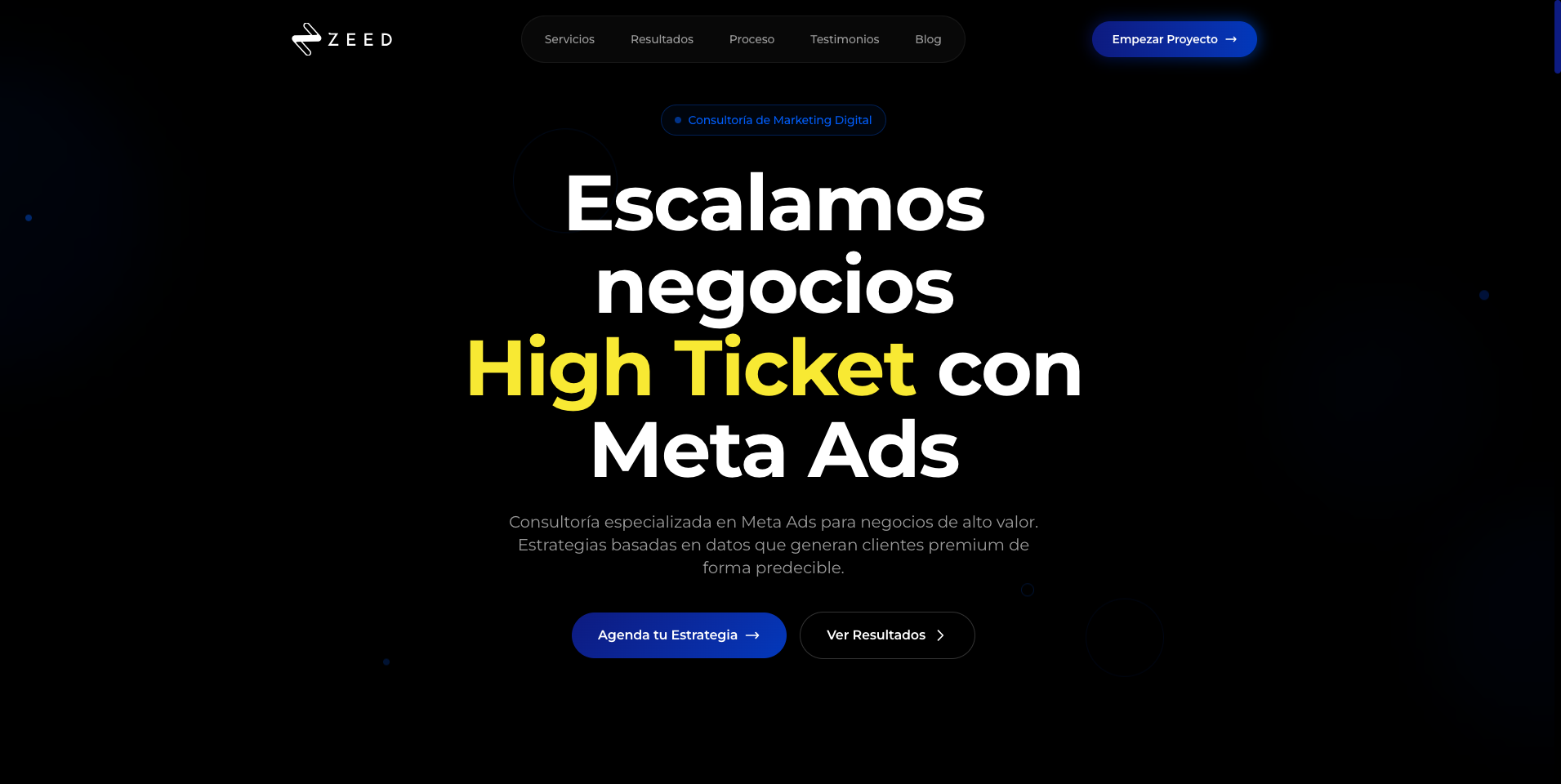
Zeed - Meta Ads Marketing Agency Website
Astro and React landing page for a Meta Ads agency with no website. It went from 0 to 50 daily visitors in the first 30 days, per Zeed's analytics.
View this project0 → 50 daily visitors in 30 days
Explore More Solutions
Related Services
Discover other services that complement your project and help you achieve better results.
- Learn More: AI Development
AI Development
AI features and products built into your software and sites.
- Learn More: AI Automation Agency
AI Automation Agency
AI agents and workflow automation for work that repeats.
- Learn More: Custom Software Development
Custom Software Development
Web applications, internal tools and APIs built around your business.
FAQ
MCP servers, answered
What is an MCP server?
An MCP server is a small program that connects an AI assistant to one system, such as a CRM, a database or a file store, using the Model Context Protocol. It tells the assistant which tools it can call, which data it can read and which prompts it can use. Any assistant that supports MCP can then use the same server, so you build the connection once.
How much does MCP server development cost?
MCP work is quoted by scope, because setting up a ready-made server for a common tool is a much smaller job than writing a server for an internal system with its own permissions. Tell us which systems to connect and what the assistant should do there, and we send a fixed-price proposal within 24 business hours. Every published price is on our pricing page.
Is it safe to connect an AI assistant to our company data?
It can be, if the server is designed for it. We give each server the narrowest access that works, apply each person's own permissions where possible, validate every input, require a person to confirm actions that change data and log every call. Content the assistant reads, such as emails or web pages, can contain instructions, so write actions are never left to the model alone.
Do we need a custom MCP server or an existing one?
For a common tool, a ready-made server often exists and the work is to configure it safely. For your own database, internal API or a system nobody else uses, the server has to be written. Many projects mix both. In discovery we check what already exists for your tools before proposing to build anything.
What is the difference between MCP and an API?
An API is how software talks to a system. MCP is a standard way for AI assistants to discover and use tools, and an MCP server usually calls your existing APIs underneath. The server adds what an assistant needs: descriptions of each tool, input checks, permissions and a format every compatible assistant understands.
Who owns the MCP server, and how do payments work?
You do. The server code and its documentation pass to you after the final payment, and credentials and hosting accounts can be in your name from the start. Fixed-price projects are paid in four installments: 50% to start, 30% at the midpoint, 10% at delivery and the final 10% held for 15 days after delivery.
What happens after the server is live?
Every project includes a 30-day warranty that starts at launch and covers bugs in the approved scope. After that, the systems and assistants it connects to will change, so servers need occasional updates. Maintenance for software and systems is quoted separately, or we hand off to your team with documentation on how to add tools and permissions.
How fast do you reply, and which time zone do you work in?
We reply within 4 business hours, Monday to Friday from 8 AM to 6 PM, and send a fixed-price proposal within 24 business hours. The team works from San Pedro Sula, Honduras, on US Central time, by video call, WhatsApp and email. Tell us which tools to connect on our contact page.
Start
Want your AI assistant to reach your systems?
Tell us which tools to connect and what the assistant should do there. We reply within 4 business hours with next steps.
- Reply within 4 business hours, Monday to Friday, US Central
- Fixed-price proposal built from your budget
- NDA on request; you own the code after the final payment
Prefer to talk? WhatsApp · info@codebrand.es
One question at a time.
We reply with a fixed-price proposal, usually within 24 business hours.
Request a proposalOne reply from a person. No sales sequence.